
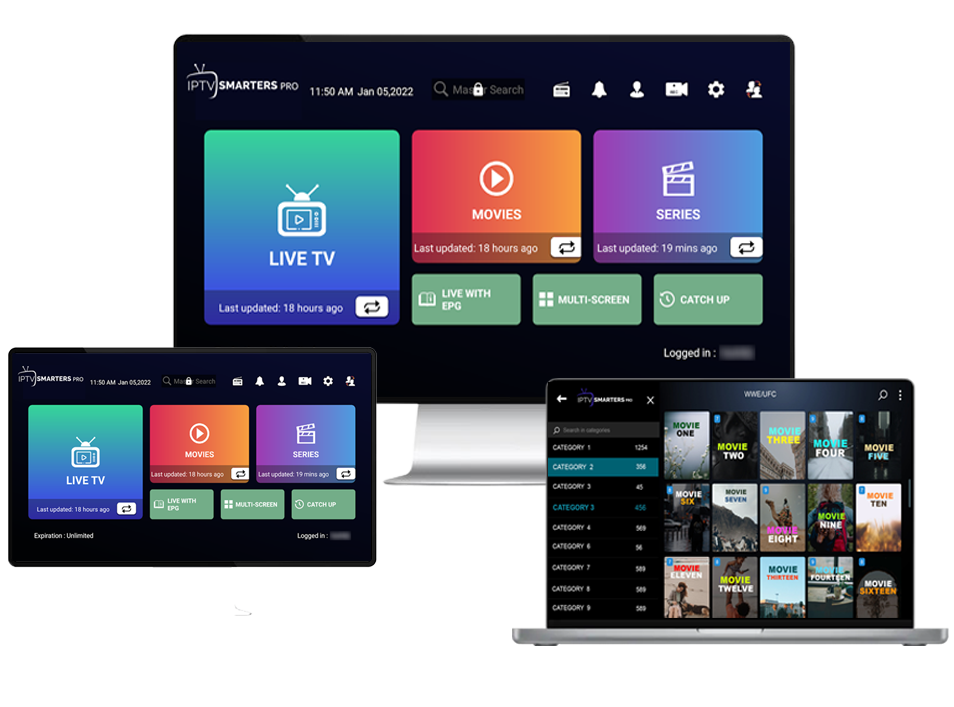




Calling all IPTV users and streamers, IPTV Smarters Pro is your new haven, allowing you to binge-watch the latest series, movies, and TV shows for hours on end.
The global internet protocol television (IPTV) market size was estimated at USD 68.84 billion in 2023 and is projected to reach USD 200.22 billion by 2030, growing at a CAGR of 16.8% from 2024 to 2030 according to Grand View Research.
But here’s the catch: the app doesn’t own any content itself. It needs to be connected to your device, whether it’s your mobile device or TVs.
Worry not! This guide will walk you through all the excellent features unlocked by the Pro subscription and how to install the app on your device with ease.
What is IPTV Smarters Pro?
IPTV Smarters Pro is a third-party app that allows users to access IPTV content on different devices like mobile phones, smart TVs, and Windows.
However, the media player app doesn’t provide its exclusive content. Instead, it acts as a bridge that connects users to IPTV service providers that offer Xtream Codes/API credentials, portal links, or playlist URLs (M3U).
As long as users subscribe to an IPTV service, they can watch IPTV content like video-on-demand (VOD), series, TV, and catch-up content on devices compatible with IPTV Smarts Pro. The best part is that you can also stream content from different providers on a single screen.
Compatible Devices
Compatible devices include:
- Android phones
- Android Fire TV Sticks
- Android TV Box
- Android TV
- NVIDIA Shields and other Android devices and sticks
- iPhone
- iPad
- Apple TV
- LG and Samsung devices
- Windows and web browsers
Who Should Use Smarters Pro?
Anyone can enjoy an ungraded streaming experience with IPTV Smarters Player Pro, but these audiences benefit the most from this app:
- Those who subscribe to IPTV services and want to watch content from multiple providers on a single screen.
- Multi-screen setups or resellers who want to separate different user profiles, like kids, adults, or regional channel groups.
- Sports fans who want to stream several live games and matches at once on a single screen.
- Home users who want to play local media or personal M3U playlists on smart TVs or Android TV boxes.
Smarters IPTV Pro Features
Once you sign up for the IPTV Smarter Pro subscription, you are in for a variety of premium features:
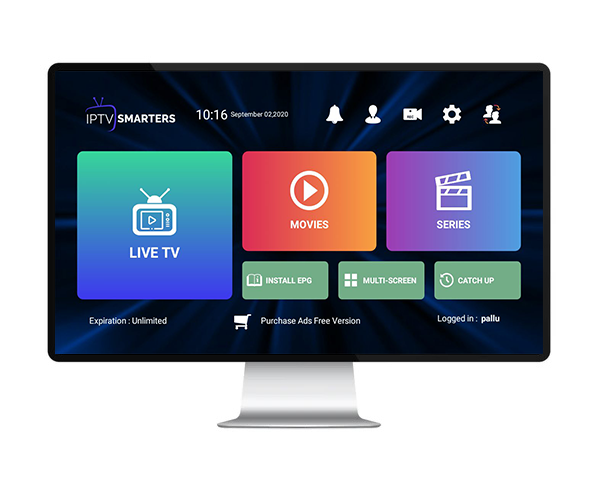
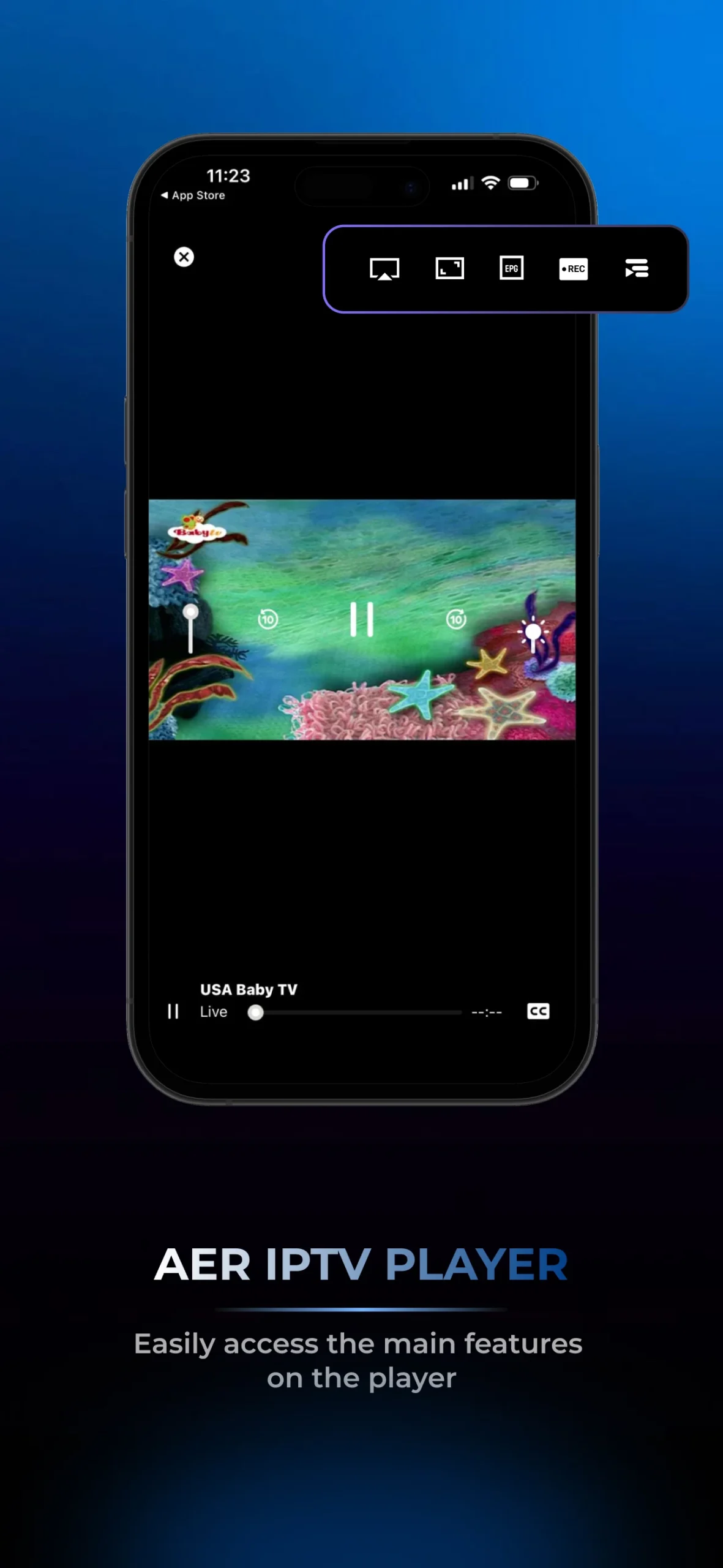
- Interface: The app boasts a clutter-free, TV-friendly user interface with categories for Series, Movies, Live TV, TV Catch-Up, and Favorites. The interface is designed to work seamlessly on Android phones/tablets, Android TV, iOS, Fire TV, macOS, and Windows.
- VOD & series: Series and movies are organized into different categories, allowing viewers to browse the content easily based on their taste.
- Live TV: Users can access a full list of channels with the Electronic Program Guide.
- Multi-screen: The app enables up to 4 screens simultaneously. Users can choose their desired layout in Settings and add their favorite shows to each screen.
- Replay/Catch-up: Viewers can replay any programs that they missed, depending on the IPTV provider.
- External player support: External video players like MX Player and VLC are integrated into the app, delivering a better streaming experience for TV series and movies. Users can add an external player in the Player Selection.
- Playback controls: Multi‑audio track support, resume/playback position, adaptive streaming, and subtitles are available.
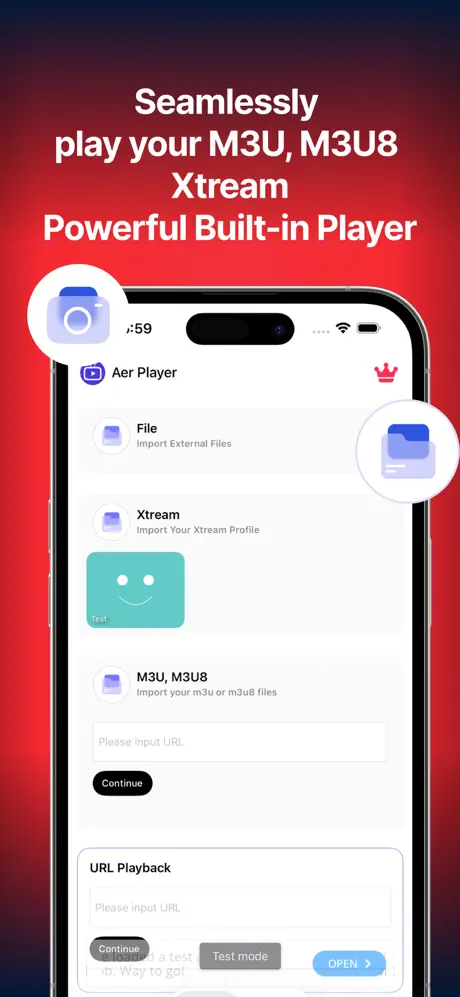
- Multi‑source playback: JSON EPG, Xtream Codes API, M3U playlists, and local media files are supported.
- User profiles & parental controls: The IPTV Smarts Pro app allows for multiple profiles/playlists for group or family use. It also provides PIN-lock protection to restrict kids from sensitive content.
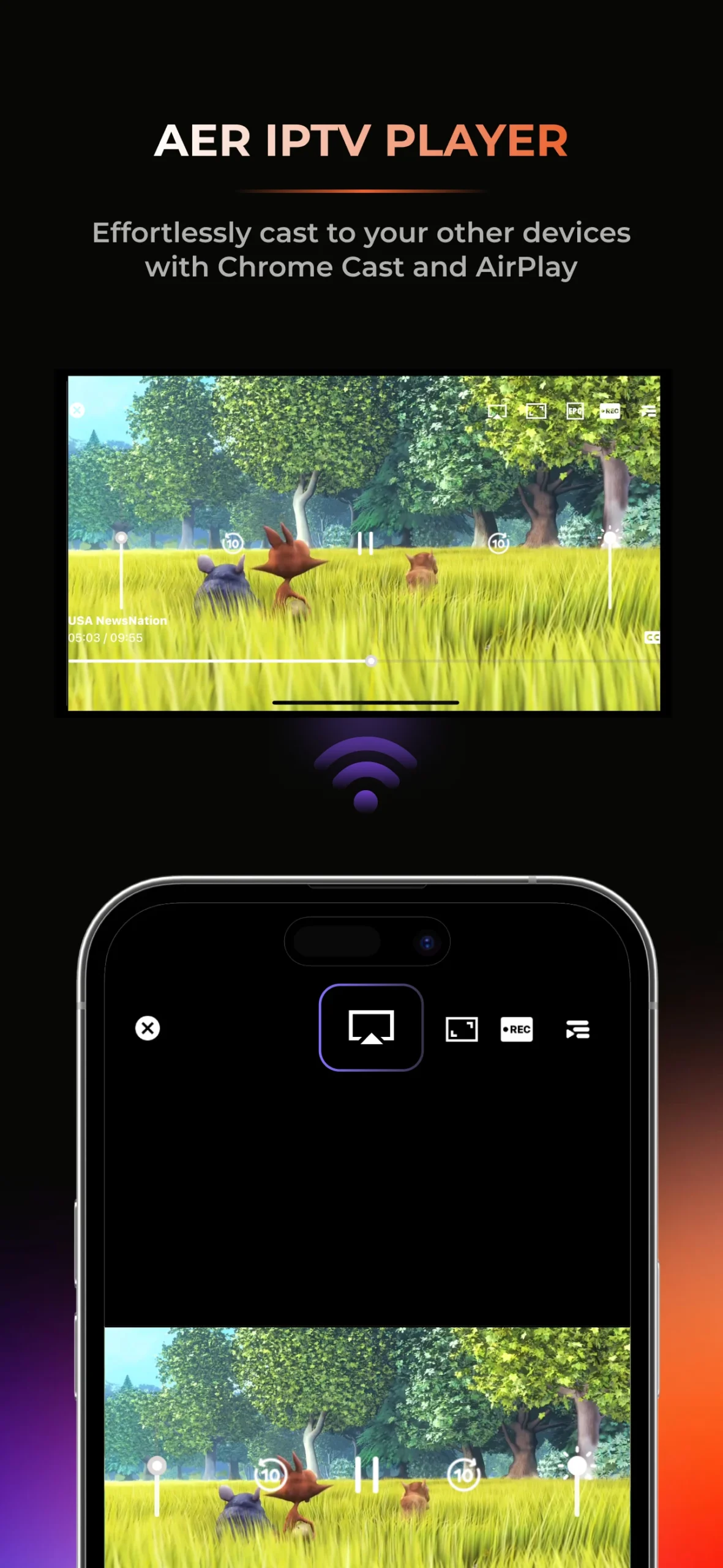
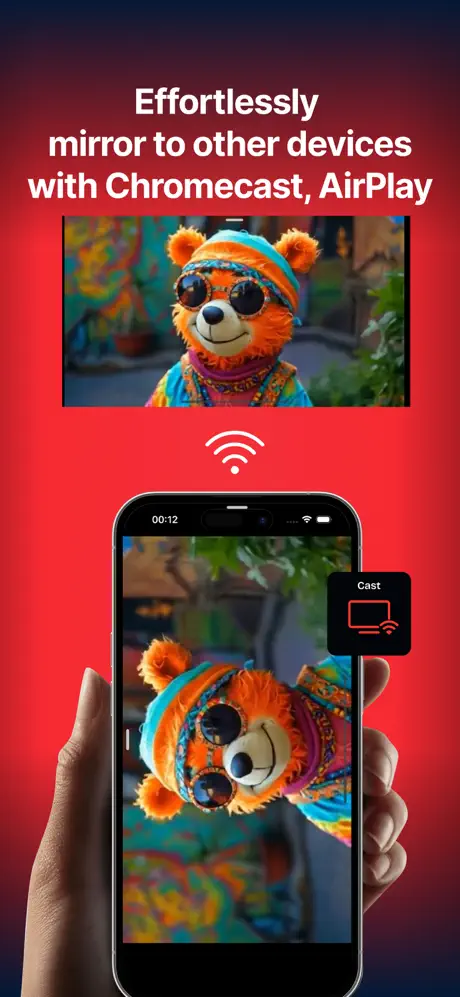
- Casting and networking: Depending on the provider, some viewers can stream local channels or experience DLNA or Chromecast casting.
- EPG (Electronic Program Guide): Users can import JSON EPG or XMLTV to view VOD metadata and program schedules.
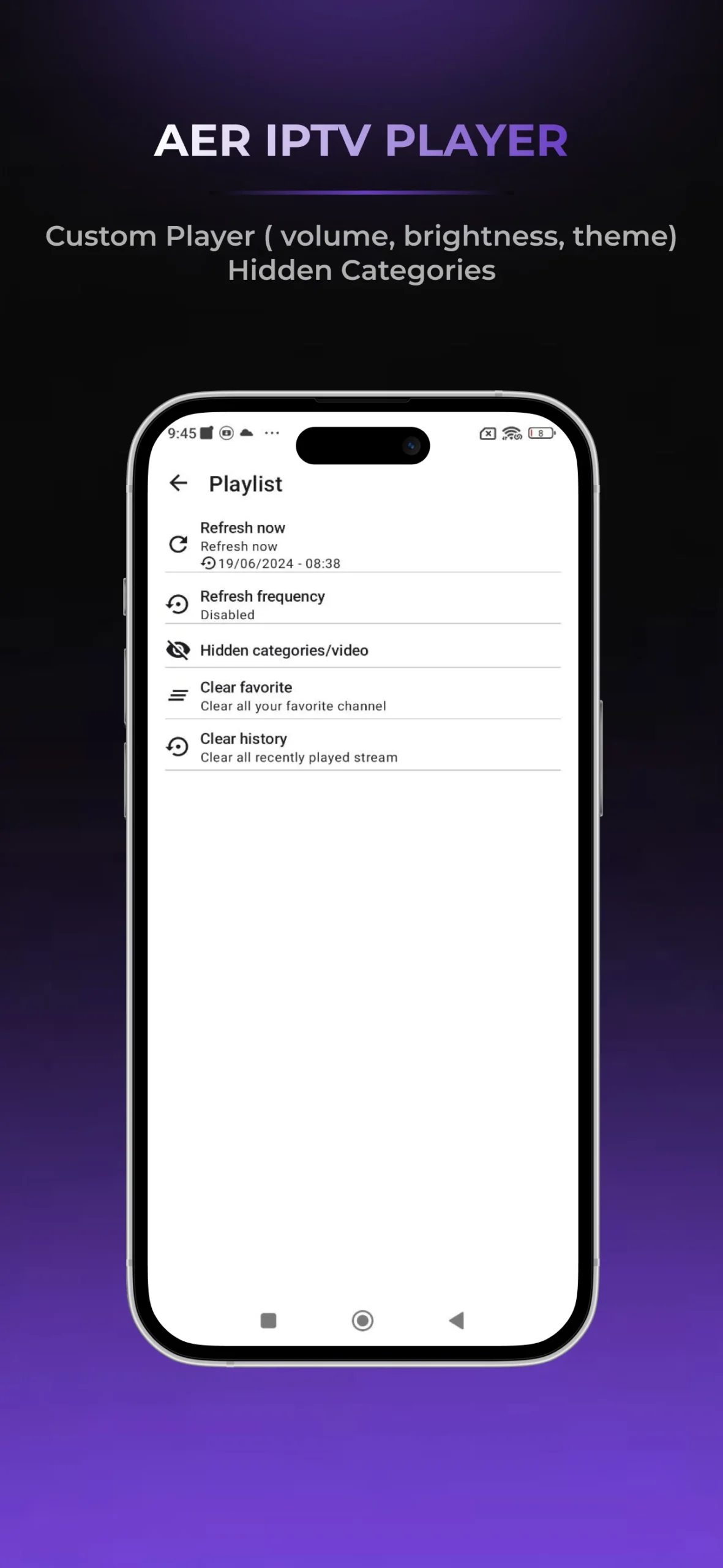
- Customization: Subscribers can customize their experience via channel sorting or grouping, external player selection, and theme options.
- Login methods: Users can use the M3U URL or the Xtream Codes API.
Pros & Cons
Pros
- User-friendly and modern interface
- A freemium application, with basic features available for free
- Compatible with multiple devices
- Full-screen HD and 4K streaming
- No external devices needed
- Supporting multi-screen (up to 4), external video player, VPN integration, and EPG
- Recording feature and parental controls available
Cons
- Common EPG mismatches
- Performance depends on the quality of the IPTV provider, network bandwidth, and device capability
How to Set Up IPTV Smarters?
On Android Devices
IPTV Smarters Pro has been downloaded over 10 million times on Android according to Google Play Store data, with a 4.2/5 average rating from 142,000+ reviews.
Step 1
Go to the Google Play Store, search for IPTV Smarters Pro, and download it to your device.
On many Android phones, IPTV Smarters may not show up in Google Play consistently. If you can’t find the app, use the APK method instead.
Open your phone’s browser, search for IPTV Smarters Pro, go to the official download page, and choose the direct APK option.
Step 2 (Optional, for APK only)
Before you install an APK, Android will block it unless you allow your phone to install unknown apps. Go to Settings and enable “Install unknown apps” or “Unknown sources.”
Tap the downloaded APK in your downloads list or file manager. Confirm the install prompts and wait until Android finishes installing the app.
If you see warnings, read them and proceed only if you trust the source you download from.
Step 3
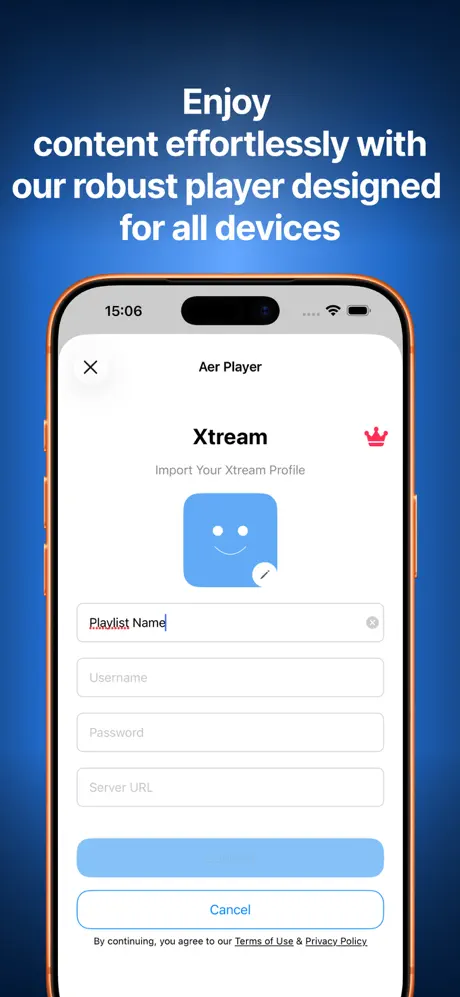
Open the IPTV Smarters Pro app and look for the option to add a playlist or log in. Most setups use either Xtream Codes API or an M3U playlist.
Step 4
Type in the username, password, and server URL exactly as your provider gave it to you. Once it loads, you should see categories like Series, Live TV, Movies, and possibly EPG.
On iOS Devices
Step 1
You may not always see “IPTV Smarters Pro” under that exact name on iPhone devices. A very common option is Smarters Player Lite.
Open the App Store, type “Smarters Player Lite” or “IPTV Smarters”, and tap Search.
Install the app and conform with Face ID/Touch ID/Apple ID as required.
Step 2
Open the app. When you launch the app for the first time, it may ask for permissions like notifications and Bluetooth scanning. Decide what you want to allow. Bluetooth is sometimes used for device discovery, but it isn’t required for basic IPTV playback.
Step 3
Once you’re on the main screen, look for “Add user,” “Add playlist,” or an option that indicates signing in to a provider.
Enter your provider’s details exactly. If you’re using Xtream Codes, you’ll typically type in username/password/server URL. For M3U, you’ll paste the playlist URL.
After you submit credentials, the app needs to fetch lists and organize content. It’s not a glitch, so don’t rush this part.
On Firestick
Step 1
On Firestick, go to the search icon and type IPTV Smarters or Smarters Player and check if you can install the app directly.
When it’s not in the store, sideloading is the common approach. You’ll generally install an app like Downloader to fetch the APK.
Step 2
Go to Settings -> My Fire TV -> Developer Options and enable installation from unknown sources. Or, allow the Downloader app to install unknown apps, depending on your Fire OS version.
Step 3
Open Downloader, enter the official APK link, and start the download.
Once downloaded, select install, and then open the app from your apps list.
Choose Xtream Codes API or M3U playlist, enter your credentials carefully, and wait for the playlist to load.
On Samsung & LG TV
Step 1
Navigate to Samsung Apps (for Samsung TVs) or LG Content Store (for LG TVs) using your remote.
Step 2
Type IPTV Smarters Pro or IPTV Smarters in the search bar. Select Install and let the TV finish downloading and installing. This process might take longer on smart TVs than on mobile phones.
For LG TVs, LG WebOS often requires you to sign in to download apps. If your TV shows a QR code or a web sign-in option, follow the prompts to log in and accept terms and conditions.
Step 3
After installation, open the app. The first screens usually guide you into adding a user or entering a playlist. Input Xtream Codes or M3U playlist details, and you can access content categories.
On Google TV
Step 1
From the home screen, go to Apps, then open Google Play Store.
Search for “IPTV Smarters,” “Smarters Player,” or “IPTV Smart Player.” Different regions show different listings.
Step 2
Click Install, wait for completion, and then return to your Apps row to check if the app appears there.
Step 3
Open IPTV Smarters and select how you want to add your IPTV service: Xtream Codes or M3U playlist. Enter the correct credentials and wait for the playlist to load.
On Roku
Roku is a closed ecosystem. IPTV Smarters Pro is not in the official Roku Channel Store, so you can’t install it like you would on Android TV or Firestick. Instead, choose one of these two common methods:
- Screen mirroring from another device
- Using an external streaming device (Firestick/Android box) plugged into the TV
If you’re using screen mirroring:
- Step 1: Go to Settings -> System -> Screen Mirroring and turn it on. Some Roku models restrict mirroring more than others, so the results can vary.
- Step 2: Open IPTV Smarters on your Android phone, then use the phone’s casting/mirroring feature or a casting app. Make sure both devices are on the same Wi-Fi network.
If mirroring is unreliable, use the external device method instead:
- Step 1: Plug a Fire TV Stick or Android TV box into an HDMI port on your TV. Then, install IPTV Smarters Pro on that external device.
- Step 2: Use the TV remote to change the input to the HDMI port. Open IPTV Smarters Pro on the external device and log in with your IPTV credentials like normal.
On PC & MAC
Step 1
For Windows, you’ll usually download an installer package (.exe). For Mac, it’s commonly a .dmg file. Download it from a trusted official source.
Step 2
On Windows, open the installer and follow the prompts: accept the terms, pick an install location if asked, and let it complete. After installation, launch the app from the Start Menu.
On Mac, open the .dmg file and drag the IPTV Smarters Pro app into the Applications folder. After that, open it from Applications. If macOS blocks it, you may need to approve it in Security settings.
Step 3
When the app starts, log in to your IPTV service using Xtream Codes API or M3U. Once it finishes loading, you can watch the IPTV content.
According to a 2025 market analysis by Grand View Research, 68% of IPTV users access content across 3+ devices. IPTV Smarters Pro supports this multi-device trend with apps for Android, iOS, Firestick, Windows, macOS, and Smart TVs.
Troubleshooting Common Problems
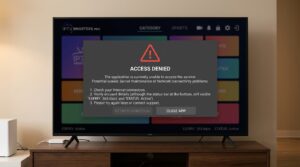
Cannot Install The App
If you fail to install the app, try these fixes:
- Update your TV firmware to the latest version
- Change your USB drive to FAT32.
- Check if there’s enough storage space left
Cannot Open The App
After downloading and installing, you can’t launch the app? Try these methods:
- Clear app cache
- Check if you downloaded the latest version of the app
- Reboot your device
- Uninstall the app and try installing it again
Login Failures Or No Connection
Login errors or loss of connection mostly result from a typo in username, password, or the server URL. If you can’t load EPG, the issue is on the provider’s side.
So, remember to double-check your credentials for any typos. Also, check if your subscription to IPTV is still active.
Freezing Or Buffering
If you experience buffering or freezing while streaming content, consider:
- Switching to a wired connection instead of Wi-Fi
- Using a stable Wi-Fi connection
- Using VPN to bypass ISP throttling
- Clear cache
- Close any background apps
Conclusion
IPTV Smarters Pro is a versatile, handy tool that turns your IPTV services into a dynamic, seamless experience in a single interface. By installing the app and signing up for the Pro tier, you can enjoy all IPTV content anytime and anywhere, whether it’s on the go or from the comfort of your couch.
The app is free to download and legal to use, but remember to access authorized content only. Download it now, and start binge-watching your favorites!